Video Modeling
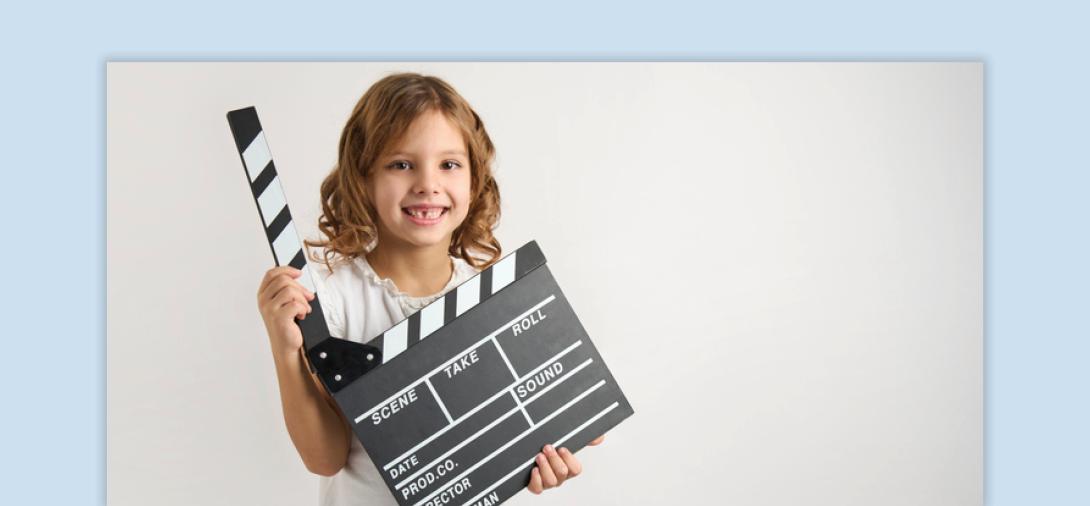
A teaching strategy that uses video recordings to model targeted behaviors or skills. Video modeling is an evidence-based practice (EBP) for teaching a variety of behaviors and skills to individuals with autism and other learning needs.
When to Use:
- Teach new behaviors and skills across different domains, including communication, social skills and daily living tasks.
- Support visual learners with repeated exposure to modeled skills.
- Promote generalization and maintenance of learned behaviors.
- Break down complex, multi-step skills into manageable parts for easier learning.
- Enhance consistency in skill acquisition by providing a clear, repeatable model.
How to Use:
- Identify the Target Skill - Define the behavior/skill, break it into steps, and collect baseline data.
- Plan & Record - Gather equipment, choose a model (peer, adult, or student), obtain consent, and script if needed. Record and edit for clarity.
- Implement Video Modeling - Show the video in a natural setting, ensuring materials match. Use prompts if needed, allow repeated viewing, and reinforce practice.
- Monitor Progress & Adjust - Track progress, modify as needed (e.g., re-record, adjust prompts), and fade video support once the skill is mastered.
Show the Video:
- Staff may prompt during showing if needed to maintain student’s attention.
- Show the video a predetermined number of times prior to expecting the student to practice the target behavior/skill.
- Reinforce practice of target behavior/skill.
- Monitor the data trends and adjust as necessary. These could be changes such as revising task analysis, re-recording video, adding voice-over, prompting levels, etc.
- Have a plan for fading the video and prompting once the student’s data meets a predetermined criteria.
Tips:
If the student is not making progress, consider -
- Does the student have the prerequisite skill of imitation?
- Is the video too complex or does it need to be simplified?
- Is the student attending to the relevant parts of the video?
- Is the viewing frequency sufficient?
- Are the reinforcement strategies effective?
- Does the prompting level need to be adjusted?
Variations:
- Video self-modeling:
- The student appears in the video, demonstrating the skill.
- Used when the skill is already in their repertoire but needs reinforcement.
- Point-of-view video modeling:
- The video shows the skill from the student’s perspective (as if a camera were attached to them).
- Beneficial for students who struggle with Theory of Mind or identifying relevant stimuli.
- Video prompting:
- The video is paused at each step to allow the student to complete that step.
- Helps students progress through multi-step tasks and can be faded over time.
Related Content

Autism
Video Modeling
Explore the effectiveness of video modeling for skill acquisition. Define, implement, and locate resources for this intervention in educational settings.
View Course
Transition
Video Modeling Implementation Guide
This guide provides the information and tools to create, film, and implement video modeling interventions.
View Document